Get Paid Faster with Professional Invoices
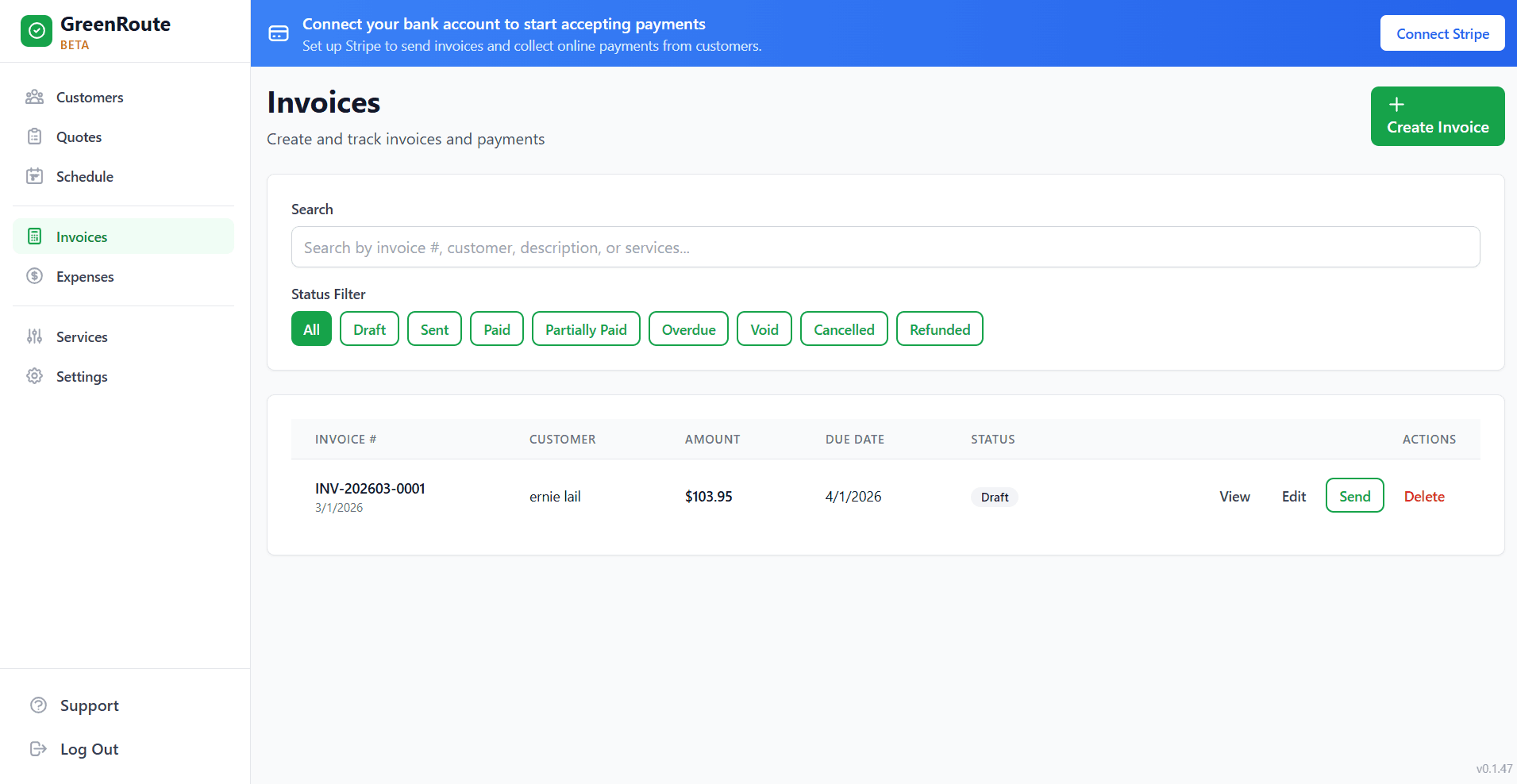
Mark a job complete and the invoice goes out automatically — line items, customer, payment link, all built from the job. Or invoice manually anytime, with or without a job record. Either way, you get paid online with one tap from the customer’s email.
How It Works
The default path: mark a job complete and the invoice sends itself. Manual invoicing is always there when you need it.
Mark the Job Complete
Tap “Complete” on the calendar, the mobile app, or the job detail page. GreenRoute captures the service date and every line item from the job’s services automatically.
Invoice Sends Automatically
GreenRoute builds the invoice from the completed job, sets the due date from the customer’s payment terms, and emails it with a one-tap pay link — no clicks required from you. Need to invoice without a job? Create one manually for any customer in seconds.
Get Paid Online
Your customer pays from the invoice email by credit card, Apple Pay, or Google Pay. The money lands in your Stripe-connected account; the invoice updates to Paid automatically.
Invoicing Features That Boost Your Cash Flow
Everything you need to bill professionally and get paid reliably.
Professional Templates
Your invoices feature your business name and contact information, with itemized line items, tax calculations, and clear payment terms. Professional Plus and Enterprise plans also include your company logo on invoices and outgoing emails for a fully branded experience.
Online Payments
Accept credit cards, Apple Pay, and Google Pay on all plans. The Professional plan and above add tracking for cash, checks, Zelle, Venmo, CashApp, and PayPal. Customers pay online with one click from the invoice email.
Automatic Reminders
Stop awkwardly chasing down payments. GreenRoute sends polite, automated email reminders to customers with overdue invoices. You set the schedule and GreenRoute handles the rest.
Payment Tracking
See every invoice status at a glance: sent, viewed, paid, or overdue. Know exactly how much is outstanding, what’s coming in this week, and which customers consistently pay on time.
Frequently Asked Questions
Common questions about GreenRoute's invoicing software.
What payment methods can my customers use?
Does GreenRoute automatically invoice when a job is marked complete?
Can I create an invoice manually without a job?
Does GreenRoute charge transaction fees on payments?
Can I customize my invoice template with my company logo?
How do automatic payment reminders work?
Related Features
Invoicing works seamlessly with these GreenRoute features.
Ready to Simplify Your Service Business?
Join service pros who save time, reduce costs, and grow their business with GreenRoute.
No credit card required • Free plan available • Cancel anytime